Undo & rename history
Renaming feels riskier than editing, because a file you rename disappears from every search you would have used to find it under the old name. nymos removes that risk by remembering. Every rename it performs lands in a persistent history: open it with the clock button in the header.
What's recorded
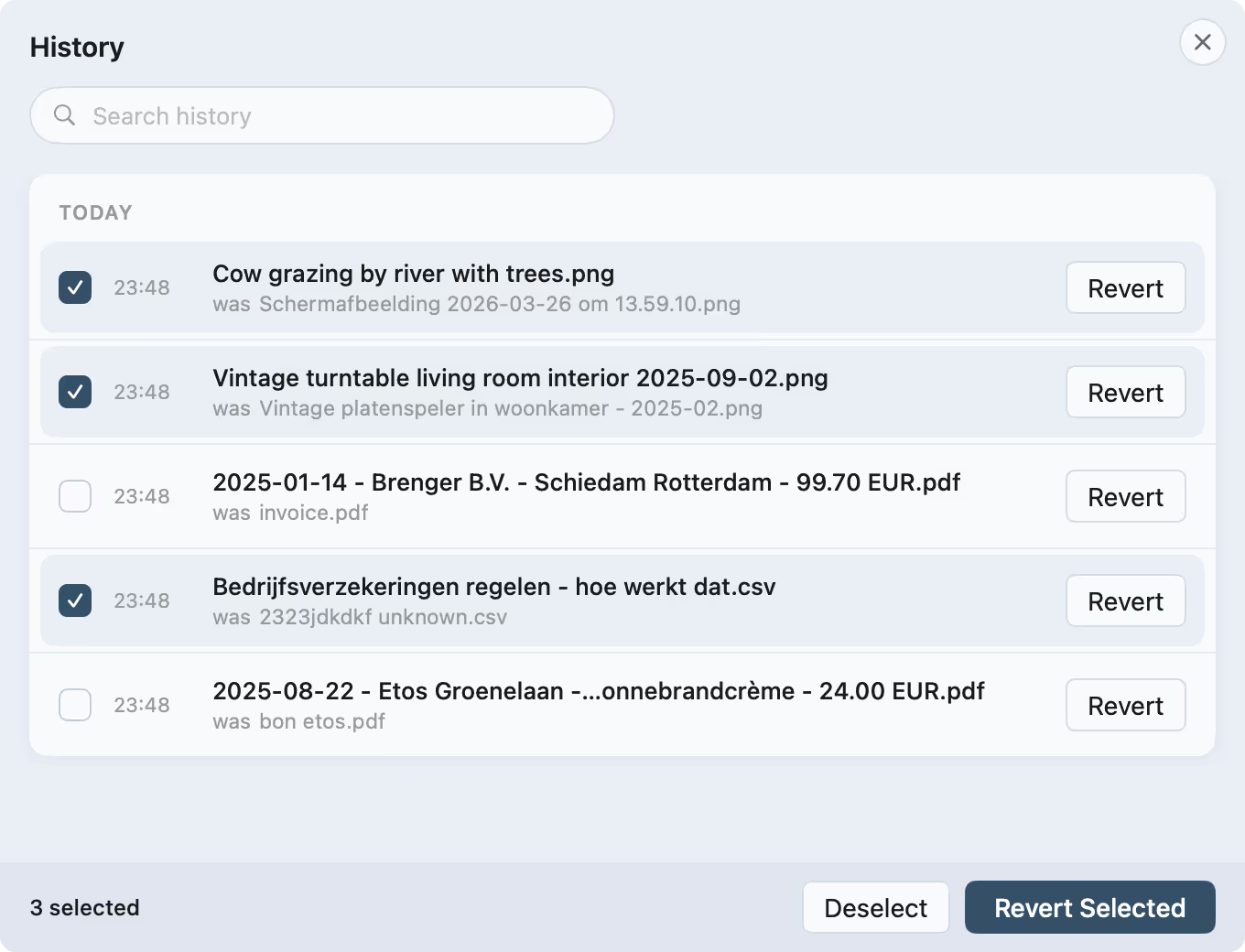
For each change the history keeps the original name, the new name, the folder and the time. Renames from a hand-added batch and from a watch folder sit in the same list, grouped by day, and you can search it to find one fast.
Reverting
Revert any rename from its row and the file gets its exact original name back, numbered Finder-style if that name is taken again. ⌘Z reverts the most recent rename. Reverted rows show struck through, and a batch reverts file by file so two files can never collide on the way back.
Already renamed
The same history lets nymos recognise a file it has named before. Add one back and it shows "Already renamed", keeps its name and skips analysis, so re-adding a folder costs nothing. You can still rename it by hand if you want a different result.
What undo leaves alone
Reverting a name restores the name only. Your files' contents, creation and modification dates, and their location are never touched by a rename or by its undo. The extension is never changed silently either.
The history sheet
Day-grouped, searchable, reversible per row.
Clearing history
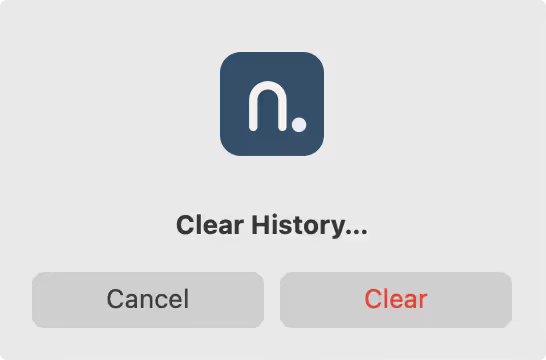
The history is yours to wipe whenever you like. Clearing it removes the record only; your renamed files stay exactly as they are.