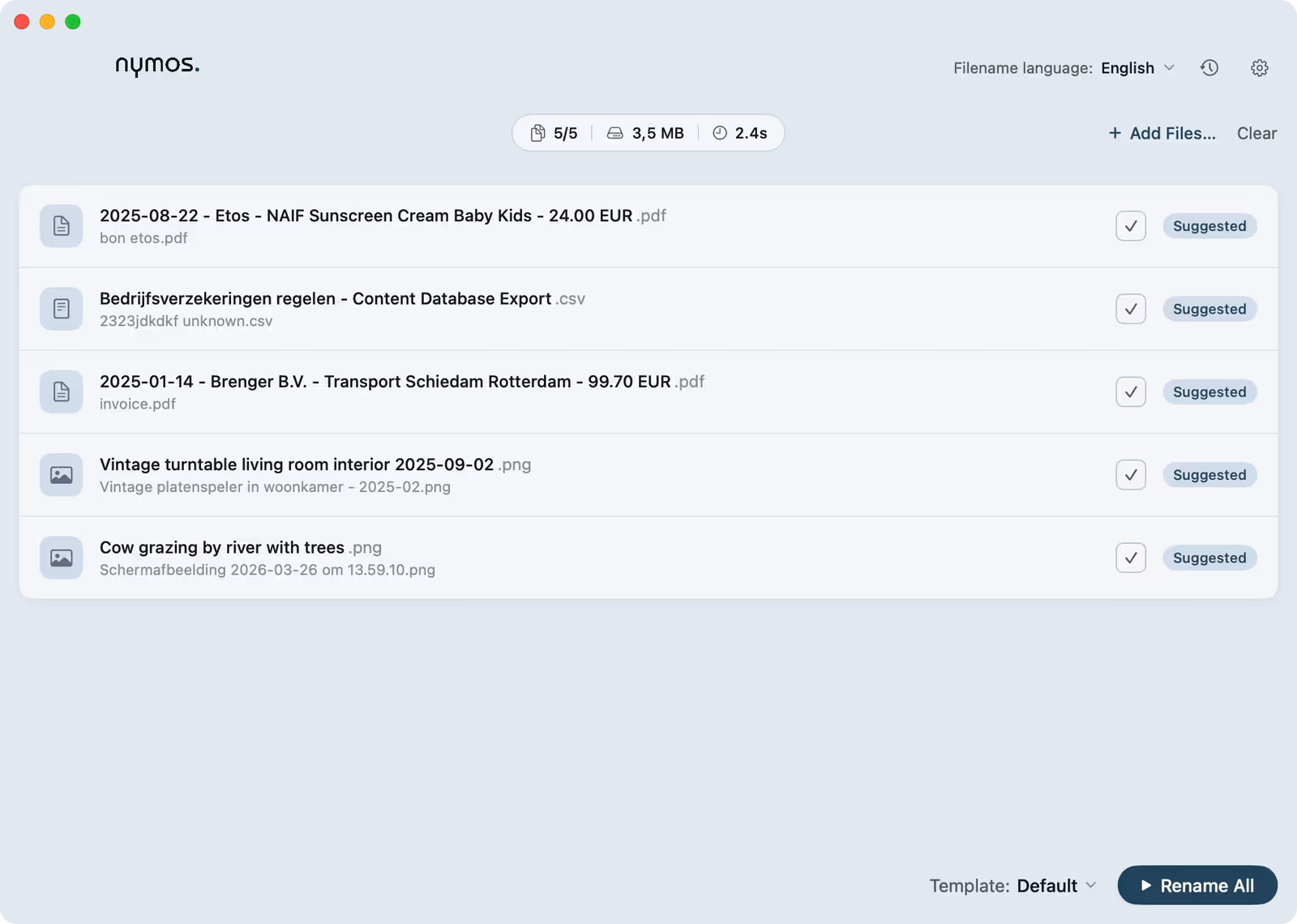
Overview
nymos is a Mac app (macOS 14 or newer) that reads what a file actually contains and suggests a clear, consistent name for it. It turns a folder of Scan_0042.pdf and IMG_4023.HEIC into names you can read at a glance and find months later.
You review every suggestion. Nothing is ever renamed automatically, and every rename can be undone. That is the whole promise: the app does the reading, you keep the last word.
Find your way around
New here? Quick start takes you from a messy folder to renamed files in five steps. How it works explains what nymos reads and why review comes first.
- Naming: Templates shape the filename; the two language settings set the app's language and the filename's language independently.
- Automating: a watch folder suggests names for new files as they arrive, and Tags & metadata add Finder tags alongside the rename.
- Running it: managed out of the box: install and rename, with no setup and no API key.
- Safety: Undo & rename history keeps the old name for every change; Privacy & your data spells out what leaves your Mac.
The main window
Add files, pick a template, click Suggest names, review, rename. That's the whole loop.