How it works
Where you start
Drop files onto the window, or point it at a folder. From here the four steps below run on every file.
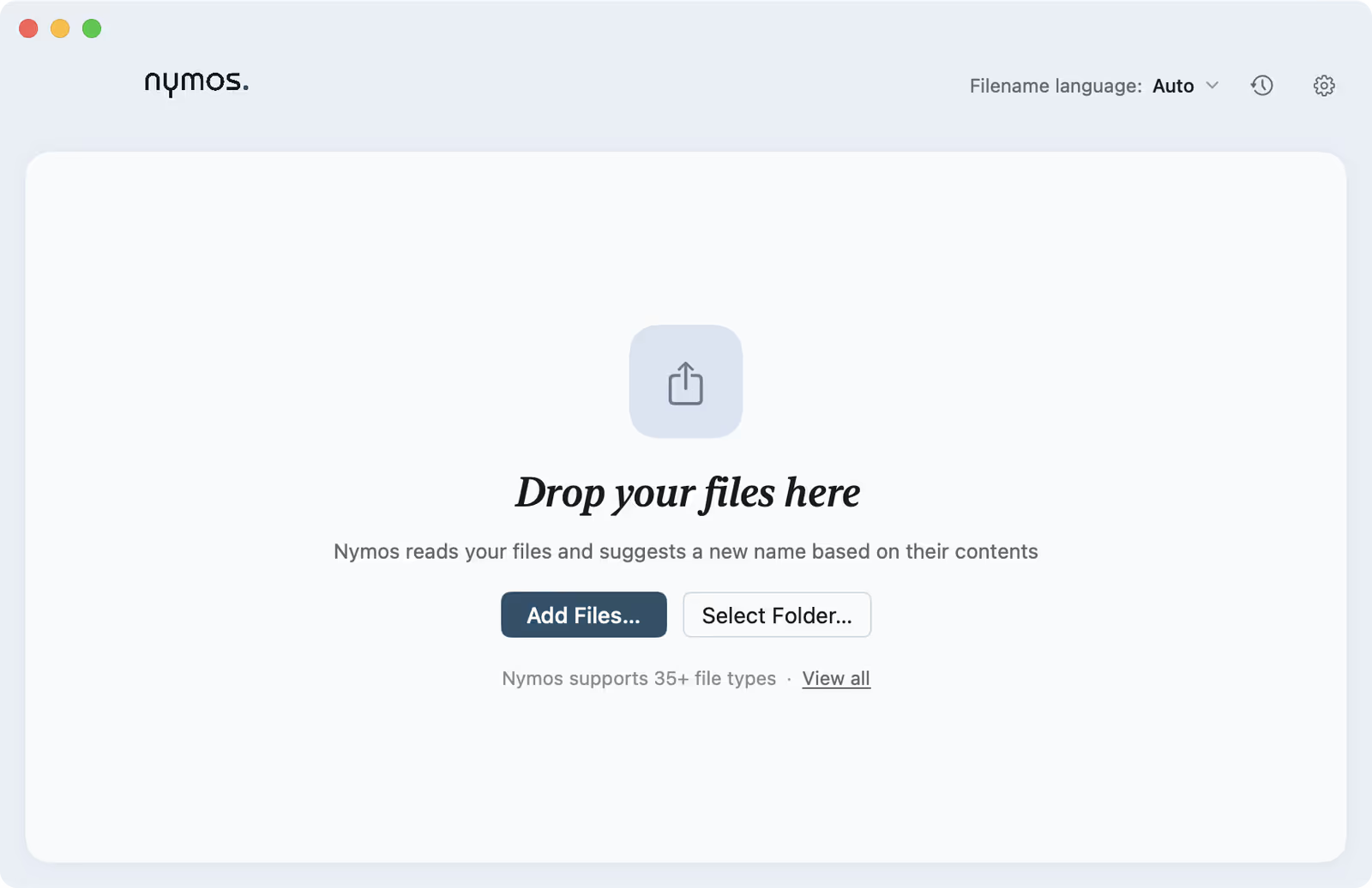
nymos runs the same four steps on every file: read it on your Mac, analyse the content, propose a name, wait for you. Understanding those steps explains both why the names are good and why nothing happens without your say-so.
Reading your files
Extraction happens on your Mac with native macOS technology. PDFs go through the system PDF engine; Word, Excel and PowerPoint are parsed directly; images are prepared with the system imaging pipeline. When a PDF has no usable text layer, a scan or a broken export, nymos falls back to on-device OCR automatically. A file with genuinely no readable content never reaches the model at all: nymos tells you it found no text instead of guessing.
Analysing the content
The extracted text, or a downscaled copy of an image, is what gets analysed. Not the whole file, not your folder structure, not your other files. From that, the model works out what the document is: its type, the parties on it, the dates, reference numbers and amounts that make a name worth reading.
Getting a name
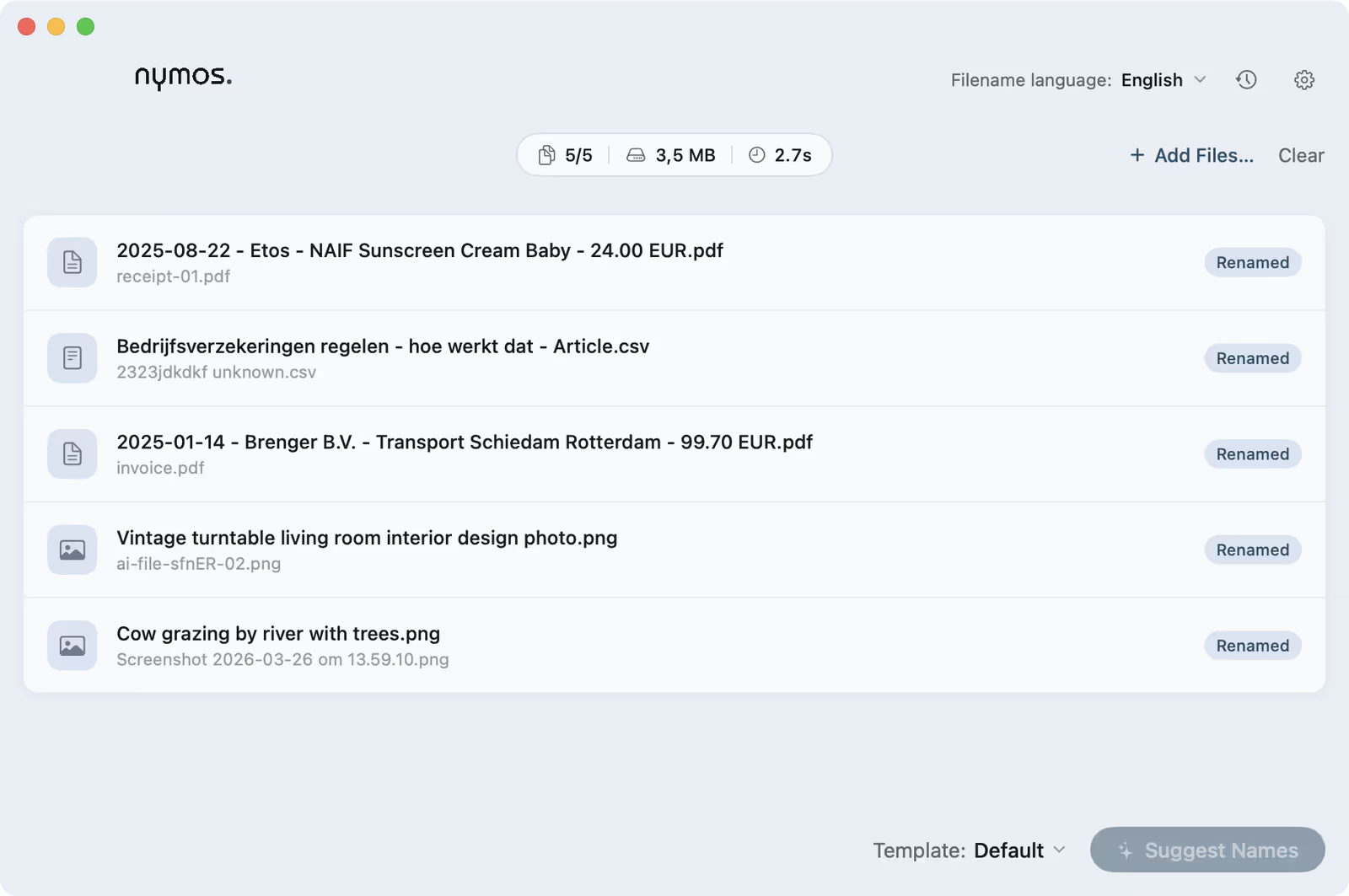
The analysis is shaped into a filename by your template. The name comes out in the file's own language by default, or in the one language you set. Suggestions are deterministic where they can be: the same document gives the same name, so a re-run does not reshuffle everything you already reviewed.
Review first, always
nymos never renames on its own. Suggestions sit in the list until you approve them, one by one or all at once, and every applied rename is recorded so you can undo it. Even a watch folder only proposes. Review is not a mode you can switch off: it is how the app works.
From content to name
The same batch, before and after: illegible originals on the left, names you can read on the right.