Two language settings
Most tools assume the language of the interface is the language of the output. For a lot of people that is simply not true: you might prefer the app in English but your invoices named in Dutch, or work in Spanish and hand a client files named in English. nymos keeps the two as separate choices.
Interface language
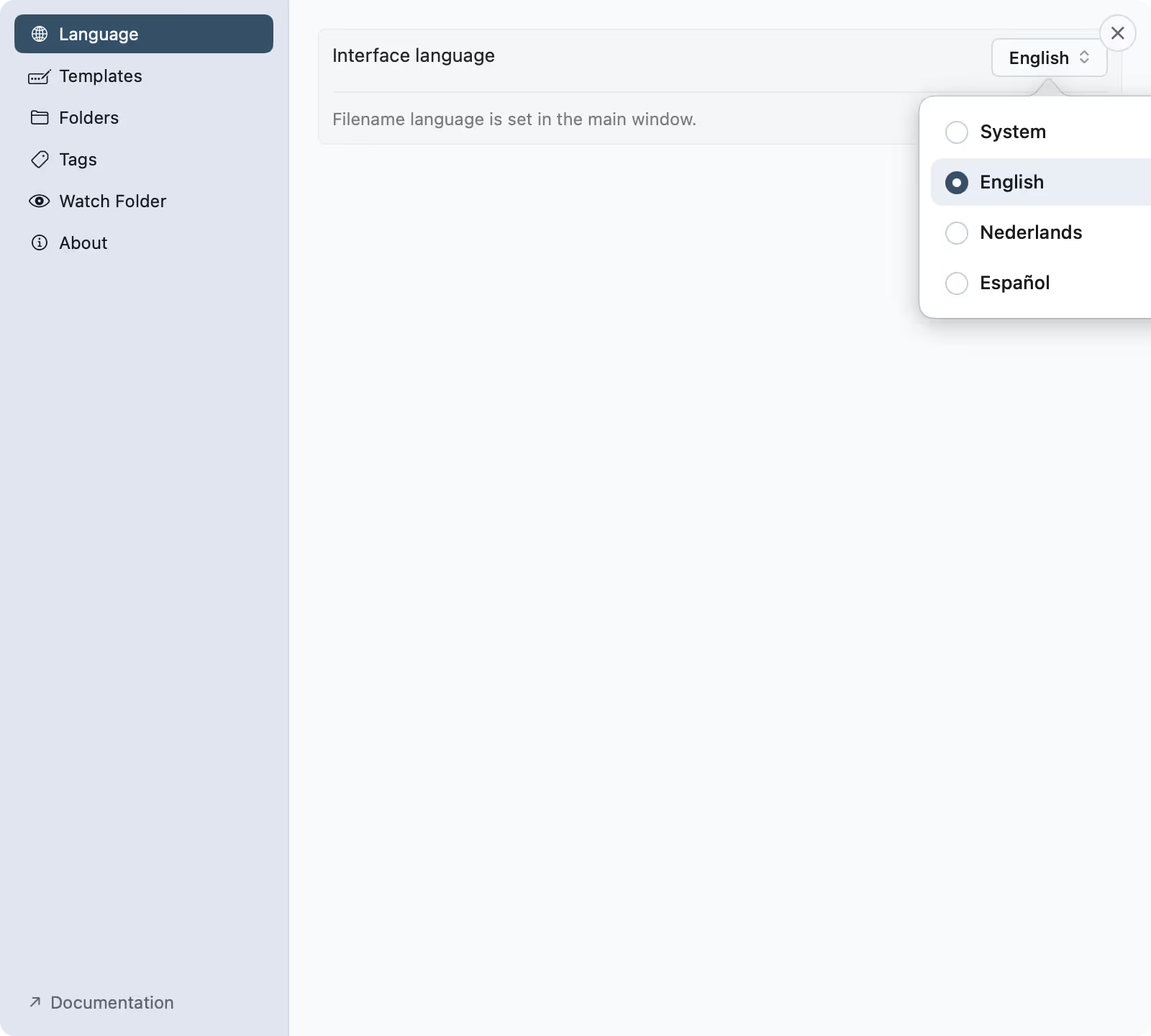
Set in Settings: System, English, Dutch or Spanish. It switches live, with no restart, and it changes only the app's own text, the menus, labels and buttons.
Filename language
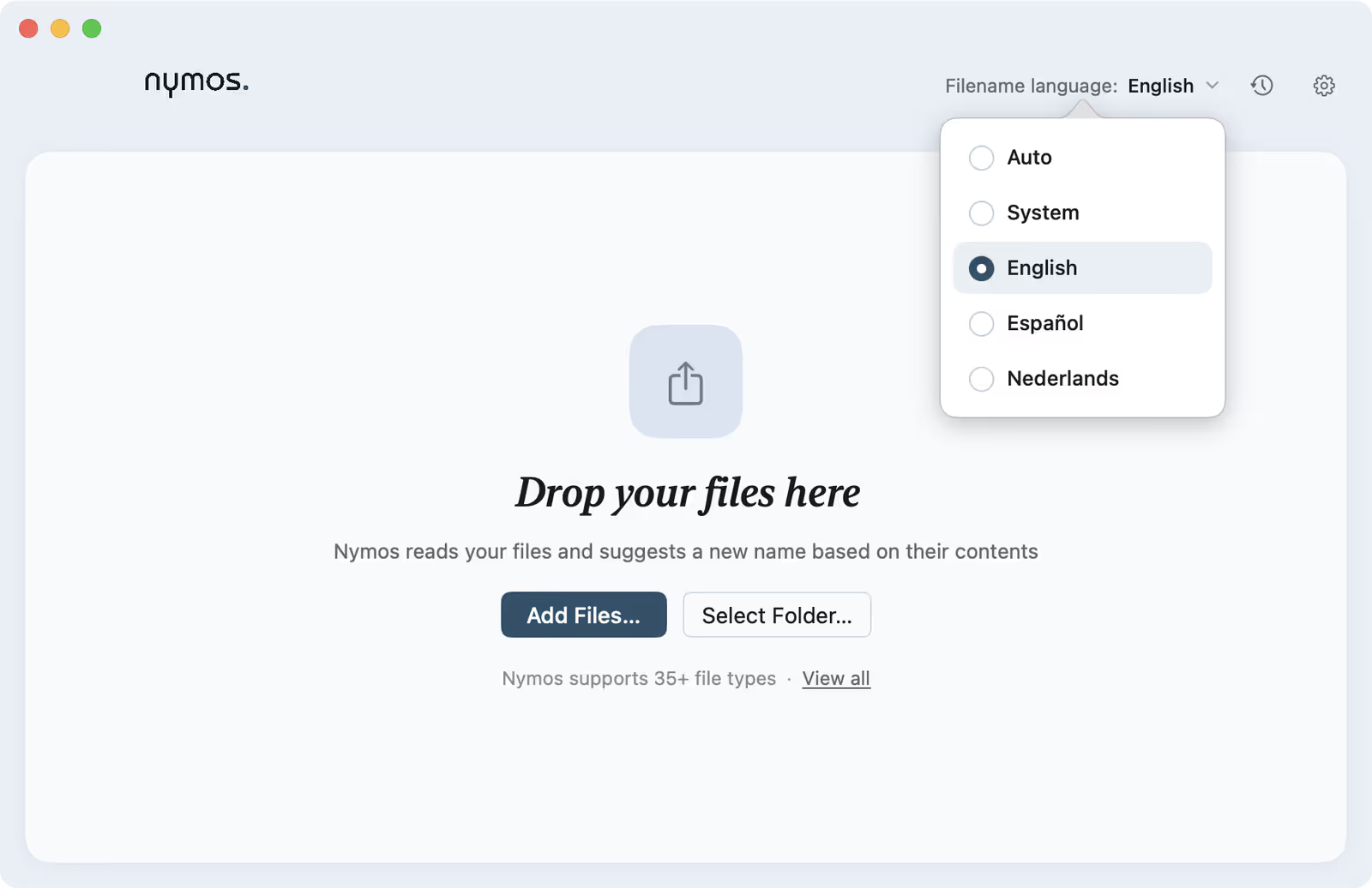
Chosen in the main window, per batch. The options are Auto, System, English, Spanish and Dutch, with Auto as the default: nymos reads each file's language from its content and names it in that same language, so a factuur stays Dutch and a Rechnung stays German.
Leave it on Auto and there is nothing to set. Pick System to name everything in your Mac's own language, or English, Spanish or Dutch to force every filename in the batch into one language. Change it between batches as freely as you change the template; the interface stays exactly where you left it.
Why it matters for finding files
You search in the language you think in. Naming a document in the language it was written in, a factura as factura, a factuur as factuur, keeps the file close to how you will look for it later. That is why nymos does it by default.
Interface language lives in Settings
Open Settings ▸ Language to switch the app's own language between System, English, Dutch and Spanish. It changes live, with no restart. The filename language stays where it belongs: in the main window, next to your files.
Filename language sits in the main window
The Filename language control at the top of the main window sets the language names come out in, per batch: Auto by default, or English, Dutch or Spanish when you want to force one.